

On macOS Ventura and later, System Preferences is called System Settings. The menus mentioned below are found there.
01. Sign documents without a printer
No more printing, signing and scanning. With Preview you can add your signature to a PDF in seconds.
- 01Open the PDF in Preview.
- 02Show the Markup toolbar.

- 03Click the Sign button.

- 04Create your signature with the trackpad or camera.
With the camera, simply hold up a signature written on white paper.

- 05Drag the signature where you want it.
02. Restore an earlier version of a file
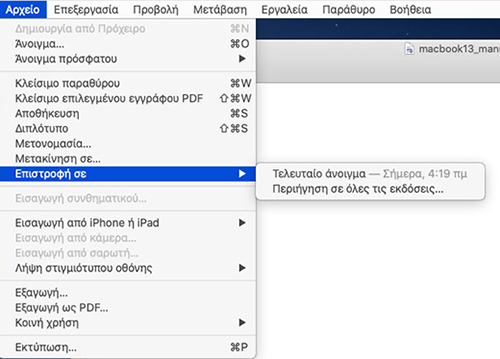
Changed something in a document and want to go back? In Apple apps (Pages, Numbers, Keynote, Preview, TextEdit) macOS keeps versions automatically.
- File
- Revert To
- Browse All Versions
- Pick the version you want
- Restore
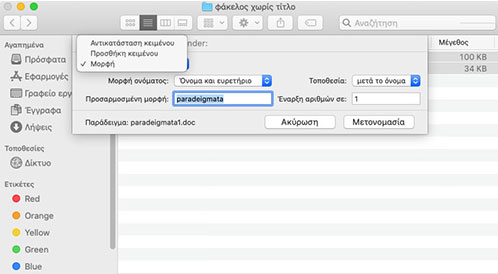
03. Batch rename files
- Select the files in Finder.
- Right-click → Rename….
- Choose Replace Text, Add Text or Format with numbering.
- For example, with the name “holiday” files become holiday 1, holiday 2, holiday 3.
- Click Rename.
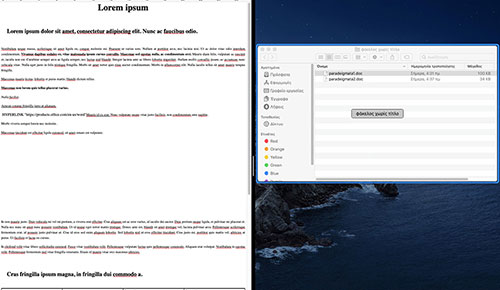
04. Split your screen in two
Hover over the green button at the top left of any window and choose which side it should go. Pick the second app for the other side. Perfect for taking notes while you read.

05. A message on the lock screen
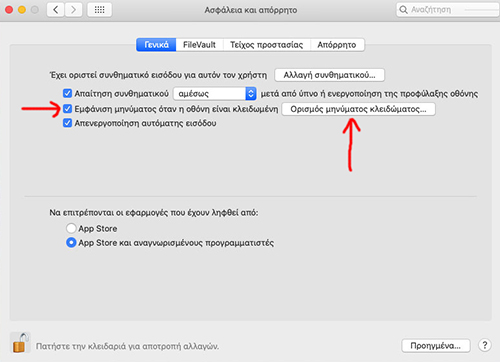
Add a message, such as a contact number, that appears when the Mac is locked. If you lose it, whoever finds it knows how to return it.
- Apple menu → System Settings
- Lock Screen (or Security & Privacy on older versions)
- “Show message when locked”
- Type the message and click OK
06. Remote connection from Mac to Mac
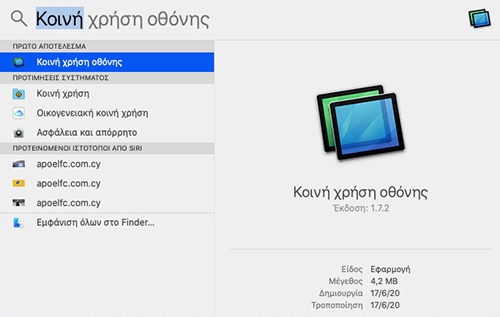
- Open Spotlight (Command + Space).
- Type Screen Sharing.
- Enter the Apple ID or address of the other Mac.
- Click Connect.
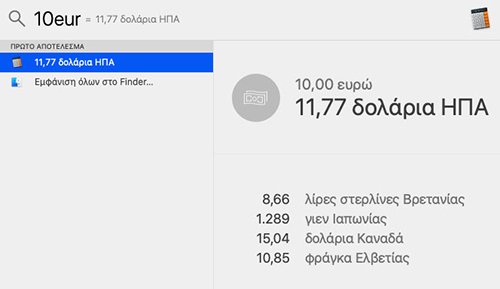
07. Maths and currency in Spotlight
Open Spotlight and type a sum such as 125*12, or an amount such as 10 eur to usd. The answer appears instantly without opening a calculator.
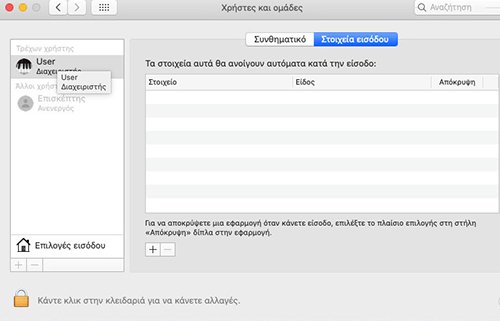
08. Choose which apps open at start-up
- Apple menu → System Settings
- General → Login Items (or Users & Groups → Login Items)
- Click + to add an app
- Click – to remove the ones you do not need
Fewer start-up apps means your Mac is ready sooner.
09. Copy on your Mac, paste on your iPhone
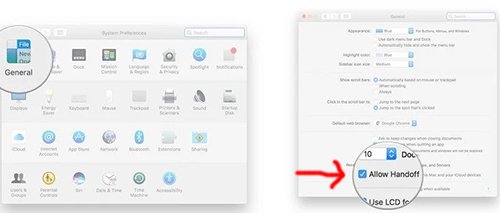
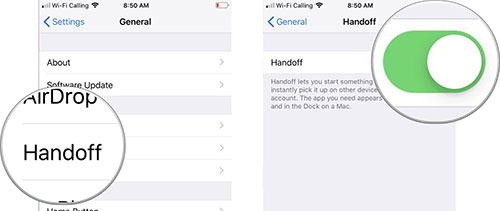
Universal Clipboard lets you copy text, a photo or a file on one Apple device and paste it on another. Both need the same Apple ID, with Bluetooth, Wi‑Fi and Handoff turned on.
- On Mac: System Settings → General → AirDrop & Handoff → “Allow Handoff…”
- On iPhone or iPad: Settings → General → AirPlay & Handoff → Handoff
10. Quick printing with drag and drop
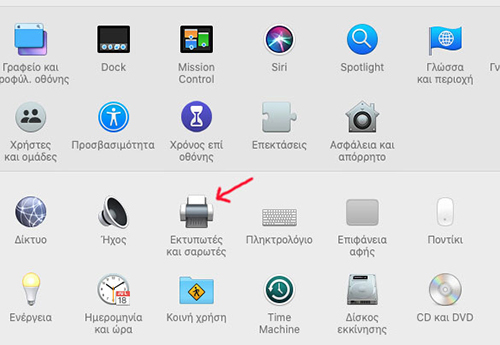
- System Settings → Printers & Scanners
- Drag your printer onto the desktop or Dock
- From then on, drop a document onto the icon to print it straight away
If a feature is missing on your Mac, you may need a newer macOS. See macOS upgrade.


